
Learn Spanish hands-free while you walk, run, or commute
Most apps assume you can look at the screen. Soundcue lets you practice with your phone locked: hear a prompt → tap a clicker → get instant feedback.Built for walks, runs, errands, and commuting.
Patent Pending
For signup only - no spam!
Access is currently limited to US-based iPhone users learning Spanish.
Listening on the go is easy
But its not the same as learning
Listening is easy to drift through—no recall, no feedback loop.
Language learning needs quick prompts + retrieval practice.
But you can’t safely interact with a screen while moving.
Spanish practice you can do with your phone in your pocket
Podcasts and audio courses are passive. You’re stuck just consuming information. No feedback. No engagement.
Audio prompts → click to answer
Multiple-choice you can complete hands-free.Instant feedback
Hear the correct answer + a quick explanation.Adapts to your level + goals
Beginner to intermediate; travel, work, daily life scenarios.

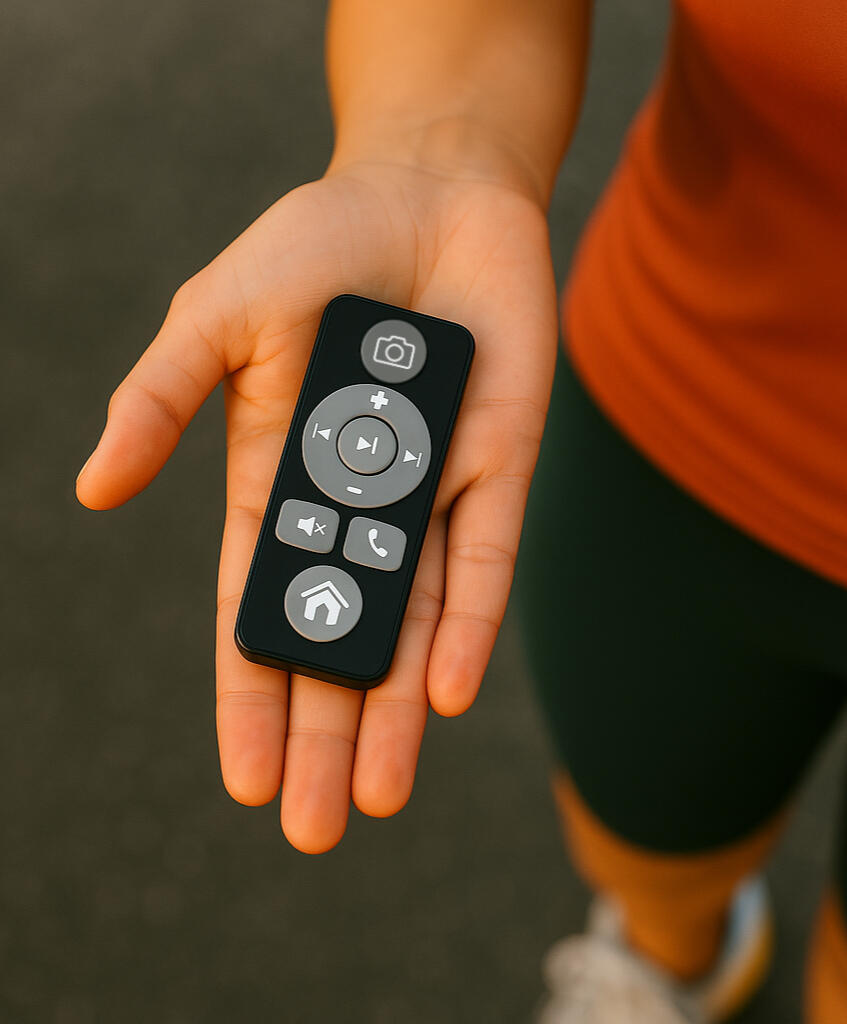
Headphones on. Phone locked. Learn by clicking
Step 1 — Set your goal
Choose your Spanish level + focus (travel / basics / conversation).Step 2 — Listen & click
Hear a short scenario or question, then tap your clicker to answer.Step 3 — Get feedback instantly
Correct/incorrect + a quick explanation, then next prompt.
Generate your own scenarios in real time
Tailor learning to your Goals:
Arriving at the airport (immigration, baggage, directions)
Checking into a hotel (reservations, requests, issues)
Ordering food and drinks (menus, substitutions, paying)
Doctor’s appointment (describing symptoms, questions, next steps)
Business meetings (introductions, clarifying, action items)
Your custom scenario
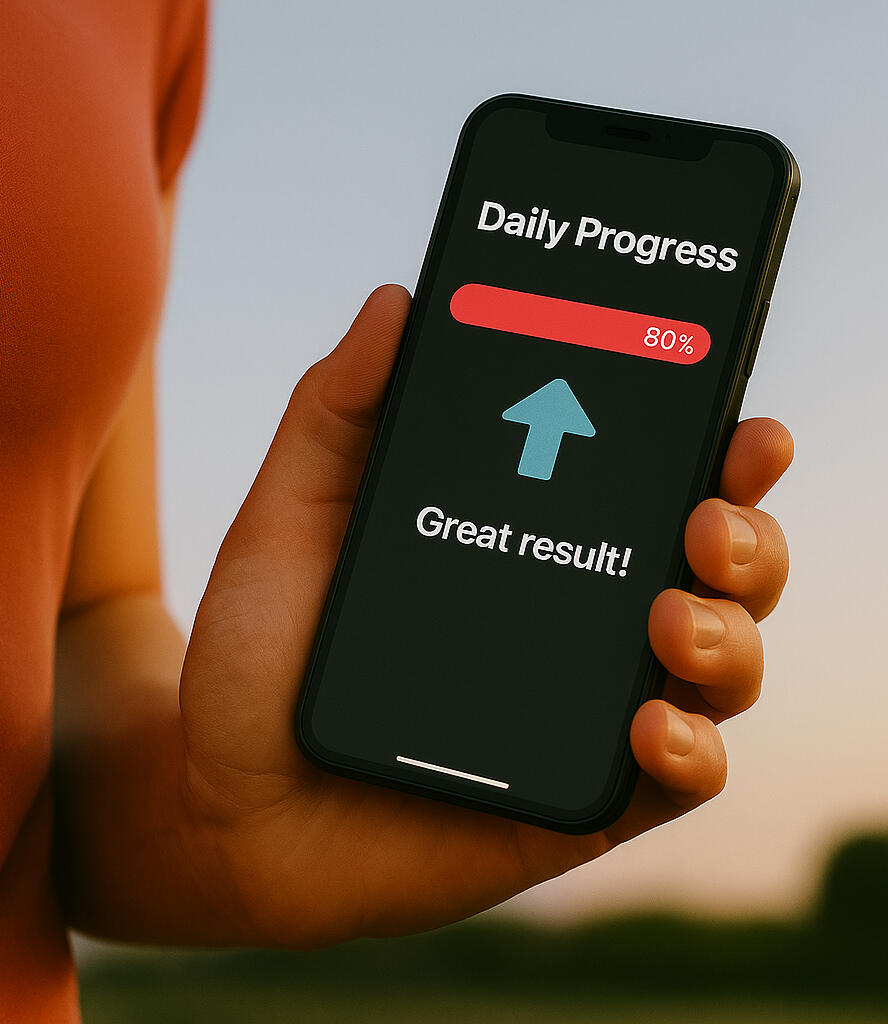
How It Works
Three Buttons. Endless Potential.
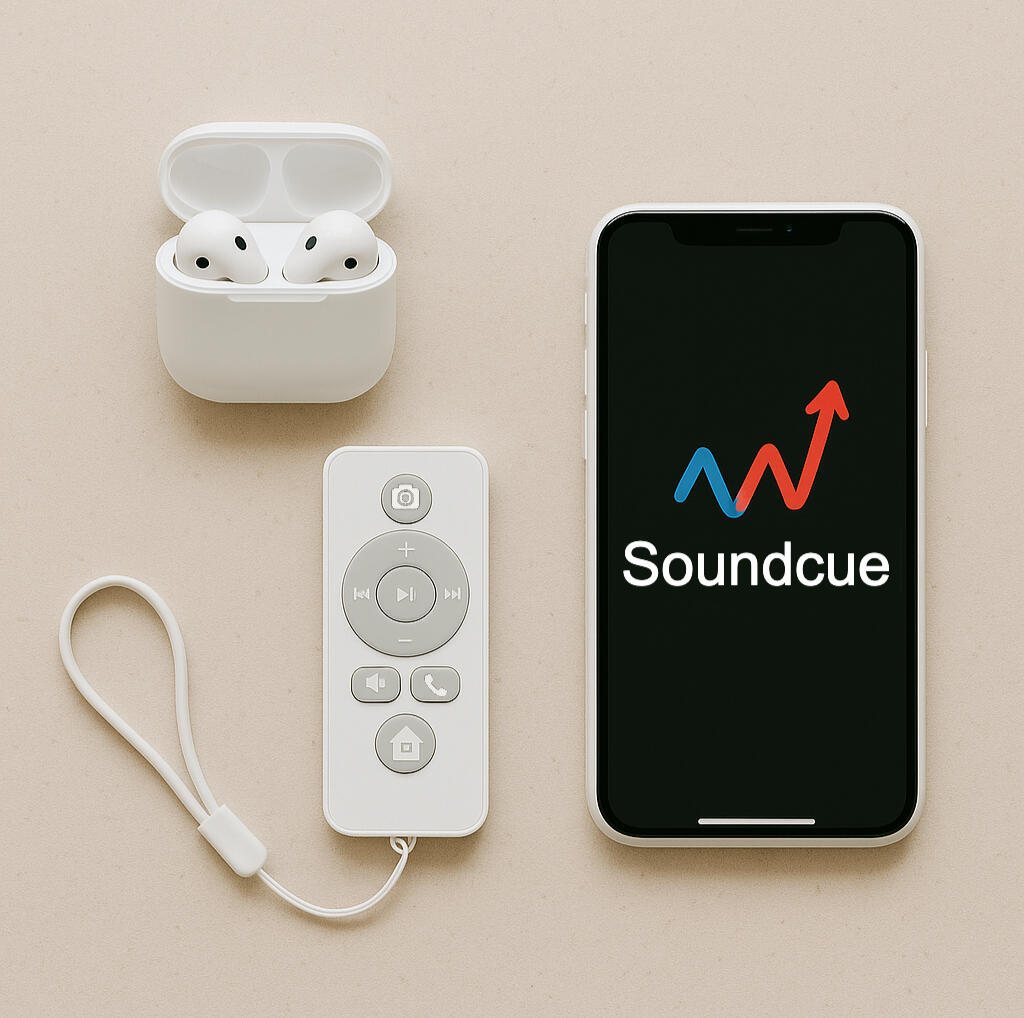
Step 1 - Get ready
Put on your headphones, turn on the clicker, and open the Soundcue™ app.
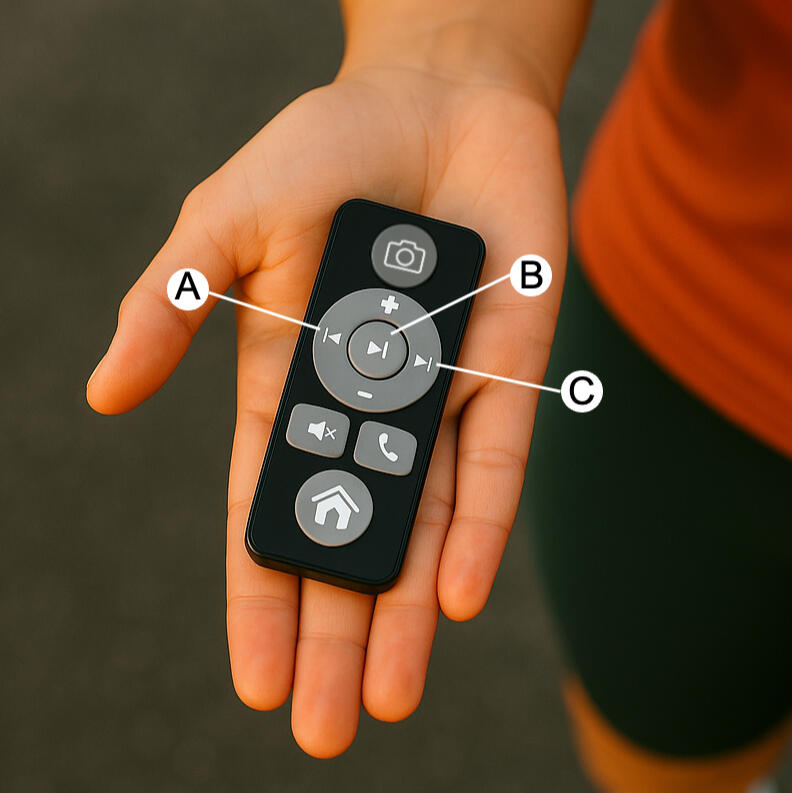
Step 2 – Listen and interact
Audio content plays through your headphones. Use a button on the clicker to answer, select, or navigate.
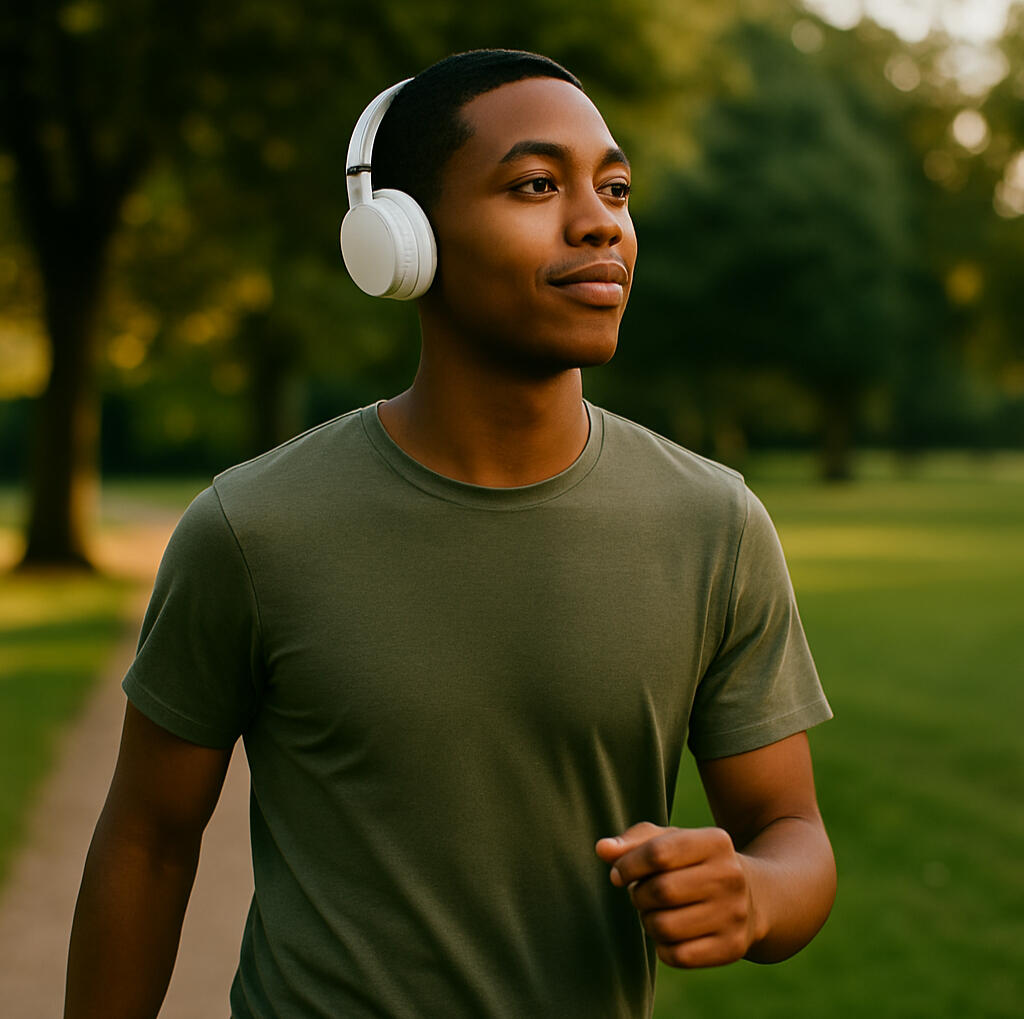
Step 3 – Learn hands-free
You’ll hear feedback right away — no interaction with the phone needed. Keep moving, keep learning.
Scroll down to learn more
Learn While You Move
Listen, think, and respond — all without looking at your phone.
Safe & Hands-Free
Keep your phone tucked away. Stay focused on your surroundings.
Your Brain, Not Just Your Ears.
Unlike podcasts, Soundcue challenges you to stay sharp and engaged.
Tiny Clicker. Big Potential.
A 3-button remote that lets you quiz, navigate, and learn on the go.
Spanish Focused.
More languages + topics later—join the list to get updates.
Scroll down to learn more
Designed for “eyes up” learning
Phone stays locked and away
Taps are simple and can be done by feel
You control when to start/stop a session
Reminder: use responsibly and stay aware of your surroundings
Frequently Asked Questions
1. What devices does Soundcue work with?
Soundcue works on iPhones with Bluetooth clickers. Android support is coming soon.
2. Do I need to hold my phone?
No. Once you start the session, you can keep your phone locked and in your pocket. You’ll use a Bluetooth clicker to interact.
3. Is this only Spanish?
Right now, for this pilot, yes; other topics later.
4. What kind of clicker do I need?
We’ll share a recommended model after you sign up.
5. Where is the pilot available?
US for now
6. Is it safe to use while running or commuting?
Yes — it’s designed exactly for those moments. Keep your focus on the world around you while staying connected.
7. How much does the clicker cost?
Bluetooth clickers cost around $10-$15
It also works as a remote for taking photos, controlling music, and other apps — not just Soundcue.
8. Can I choose what I want to learn?
Yes! We’ll support custom topics — including ones based on your own interests or content.
© Soundcue™ 2026. All rights reserved. Patent pending.
Privacy Policy
Last updated: January 20, 2026
1. Introduction
Soundcue (“we,” “our,” or “us”) is committed to protecting your privacy. This Privacy Policy explains what information we collect when you use our audio-first app with Bluetooth clicker support (“Soundcue”). By participating in this limited beta test (via TestFlight), you agree to the collection and use of information as described.
2. Information We Collect
Account & Signup Data:
Email address (for TestFlight invitations and communication)
Name (optional)
Note: This beta probe build’s app code does not include any analytics, crash-reporting, device tracking, or Bluetooth metadata collection.
3. How We Use Your Information
Beta Invitations & Communication. Use your email to:
Send TestFlight invitations.
Request participation in feedback sessions.
Inform you about app updates, beta status, and important announcements.
Security & Abuse Prevention. Ensure that only invited testers access the beta.
4. How We Share Your Information
Service Providers. We may share your email with our invitation service provider solely to deliver TestFlight invites.
Legal Compliance. We may disclose information if required by law or to protect our rights.
5. Data Retention
We retain your email address only as long as needed for the beta test. You may request its deletion at any time by contacting us.
6. Third-Party Links
Soundcue may contain links to third-party websites. This Privacy Policy covers only the data we collect.
7. Security
We take reasonable measures to protect your email.
8. Your Rights
Deletion. You may request deletion of your email by contacting us at [email protected].
9. Changes to This Policy
We may update this policy from time to time. We’ll post the revised policy on this page with an updated “Last updated” date.
10. Contact Us
If you have any questions about this Privacy Policy, please email [email protected].
Soundcue Spanish Pilot - Getting Started
Welcome! You're helping us test hands-free Spanish practice designed for walking, running, or commuting.
Thank you!
1. What You'll Need
iPhone (US-based Appstore)
Purchase compatible Bluetooth Clicker ($11.90, Amazon link: https://a.co/d/itCjoAg).
Headphones (wired or Bluetooth)
10-15 minutes a few times per week while moving (great for walking, running, commuting - not designed for driving)
2. Setup (5 minutes)
Enter your email in the form at the bottom of this page
Accept TestFlight invite — Check for an email from
[email protected]after we confirm your spotInstall Soundcue via TestFlight (link in email)
Pair your clicker — Go to iPhone Settings → Bluetooth → connect the clicker
Open Soundcue — Pick your proficiency level and a goal (travel, business, daily life)
Start learning!
3. Quick tips
Customize your topics — The app suggests scenarios based on your goal, but you can create your own - I had a blast trying fun scenarios like hanging out with friends at the bar in Mexico City 🙂
Sessions are short and continuous — They keep going on the same topic until you end the session
Turn off your clicker when done — Battery drains quickly if left on
4. Troubleshooting
This is an early pilot, so occasional rough edges are expected.
| Problem | Try This |
|---|---|
| Clicker not responding | Turn clicker off/on, re-pair in Bluetooth settings, ensure it's not connected to another device |
| Audio not playing | Check headphone connection, verify iPhone isn't on silent, restart the app |
| Session won't start | Force-close app and reopen, ensure clicker is connected before starting |
| App disconnects when phone locks | This shouldn't happen—if it does, let us know immediately |
Still stuck? Email us at [email protected] with a brief description of the issue.
5. Privacy & data
During the pilot, we collect:
Your email (for communication)
Anonymized usage data (session starts, topic choices)
Your feedback
We do not collect: Audio recordings, personal content, or anything from your sessions.
Full privacy policy: soundcue.app/#privacy-policy
6. Pilot Timeline & Expectations
Duration: ~2 weeks
Commitment: Use Soundcue a few times at home or during walks, runs, or commutes (not recommended while driving)
Feedback: We may reach out mid-pilot for a quick check-in
End-of-pilot survey: Short questionnaire covering usability, value, and what worked/didn't — completing it earns you a thank-you gift 🎁
Thanks for being an early tester! Your feedback directly shapes what Soundcue becomes.